

Guided tour
Seven steps from the board to job cost
1 of 7
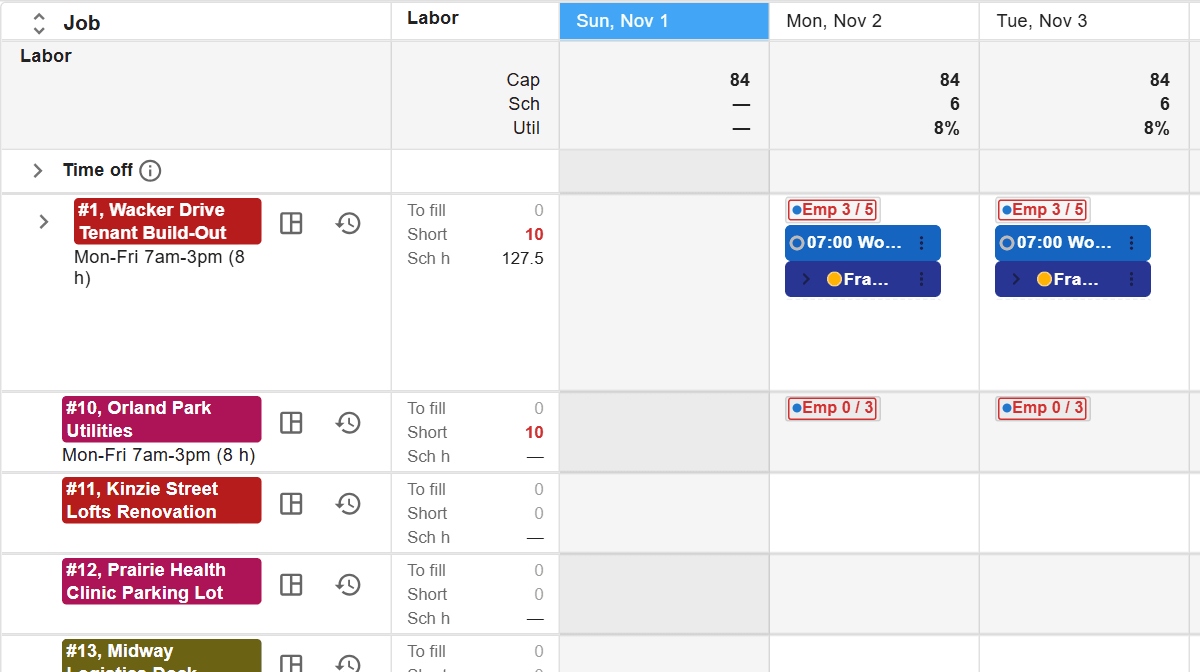
The job board
Every job's open needs and scheduled hours, day by day, with the company's capacity across the top. A short job shows in red before anyone is sent.
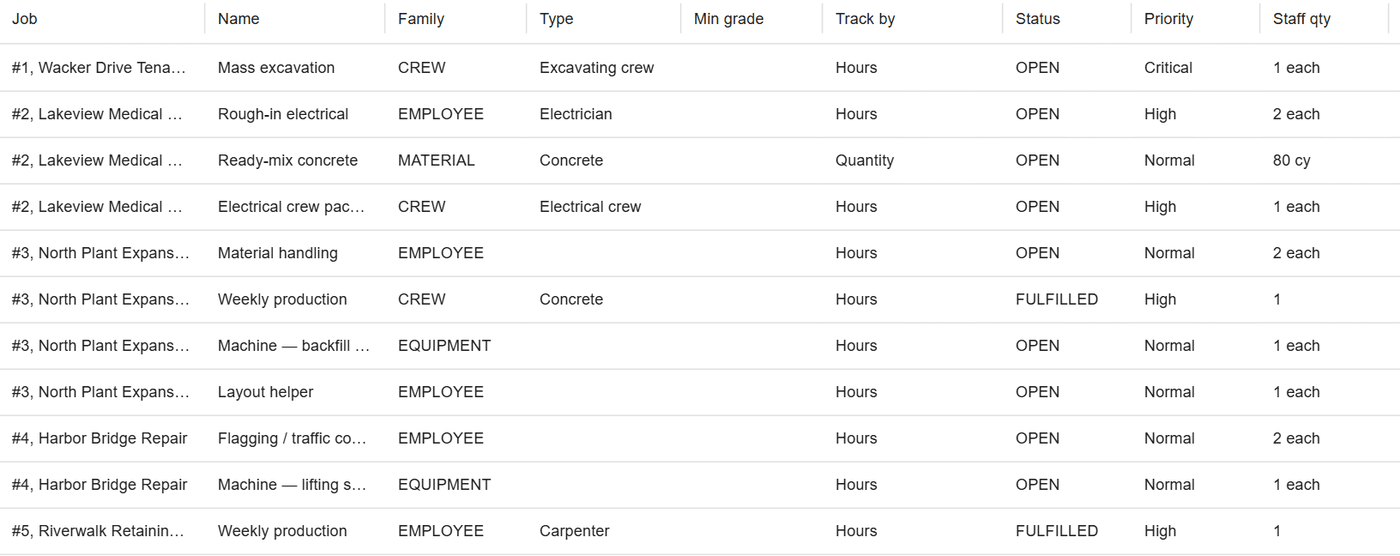
SchedulingThe needs behind the board
Each job lists what it still needs: a crew, an electrician, a machine, 80 yards of concrete. Filling the board fills the needs.
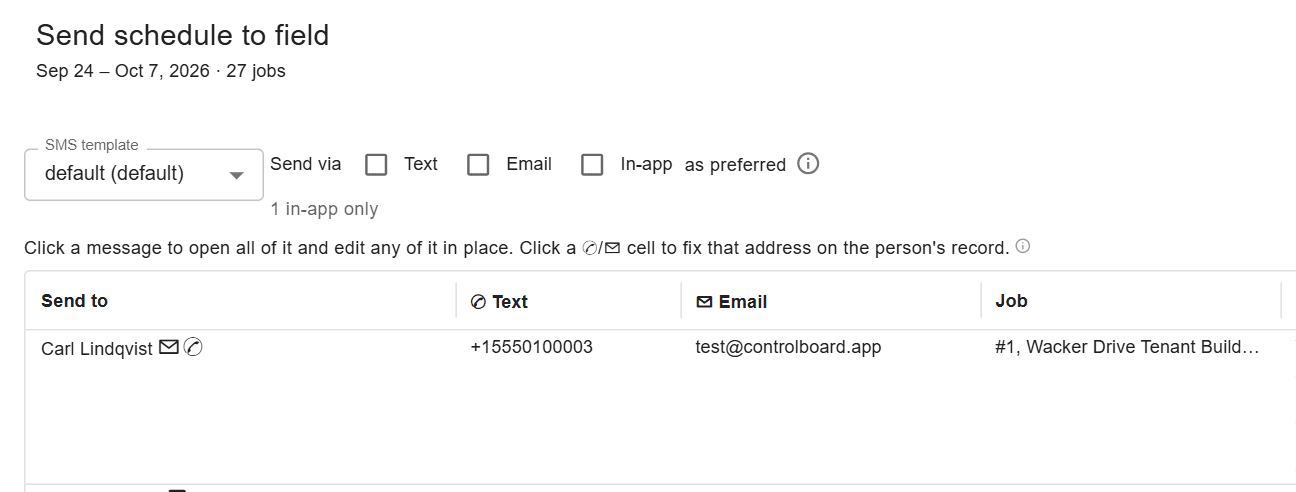
Needs and capacityTell the field
One send covers everyone scheduled: a text, an email or a notice in the app, each person with their own jobs and times.
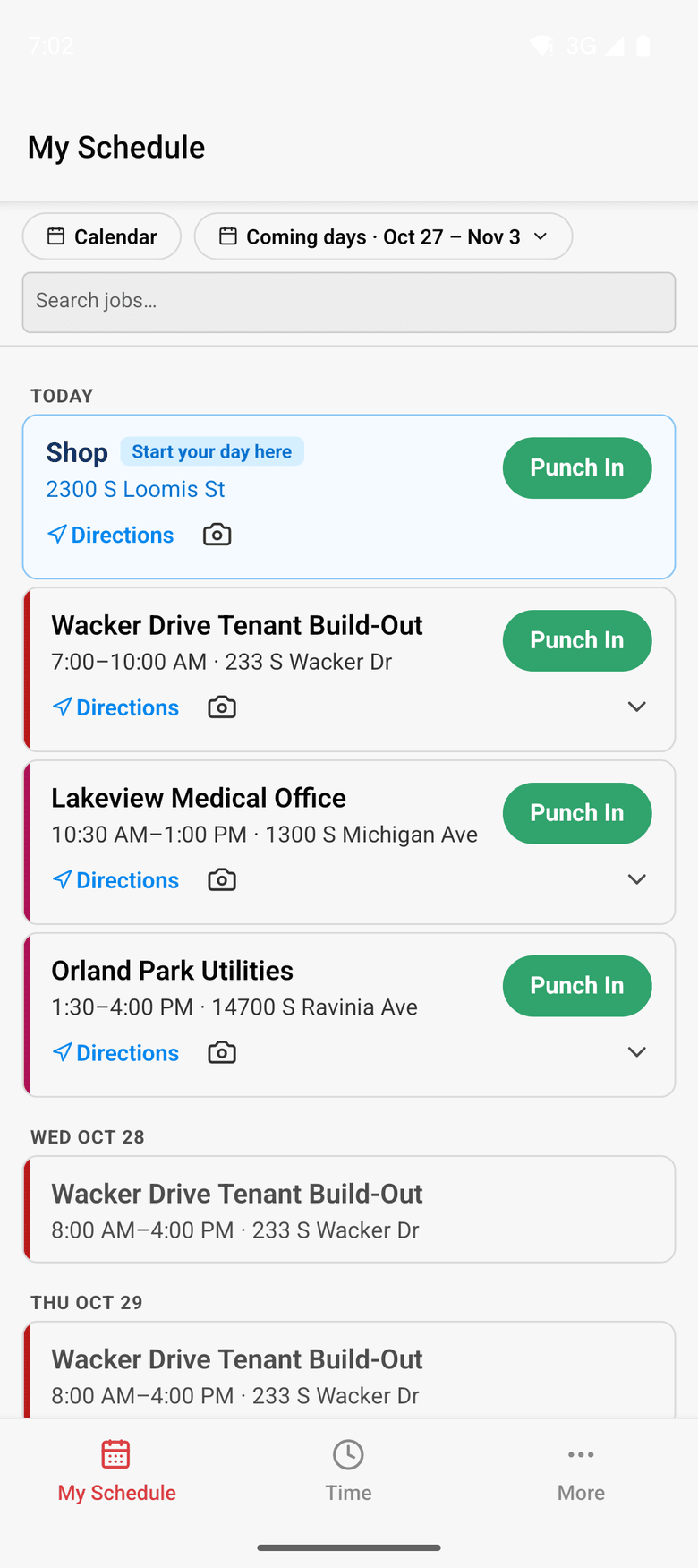
Dispatch and the fieldOn the phone
ControlBoard Field shows the day's jobs with directions and Punch In. It works without a signal and catches up later.
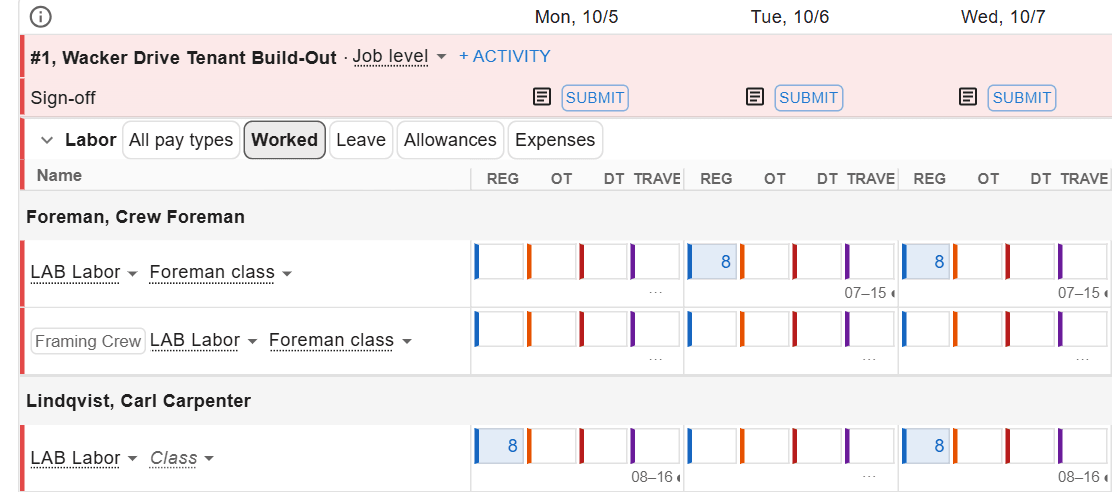
ControlBoard FieldThe crew's week
The foreman's crew sheet and the punches become one week of hours per person, by job and pay type, ready to submit.
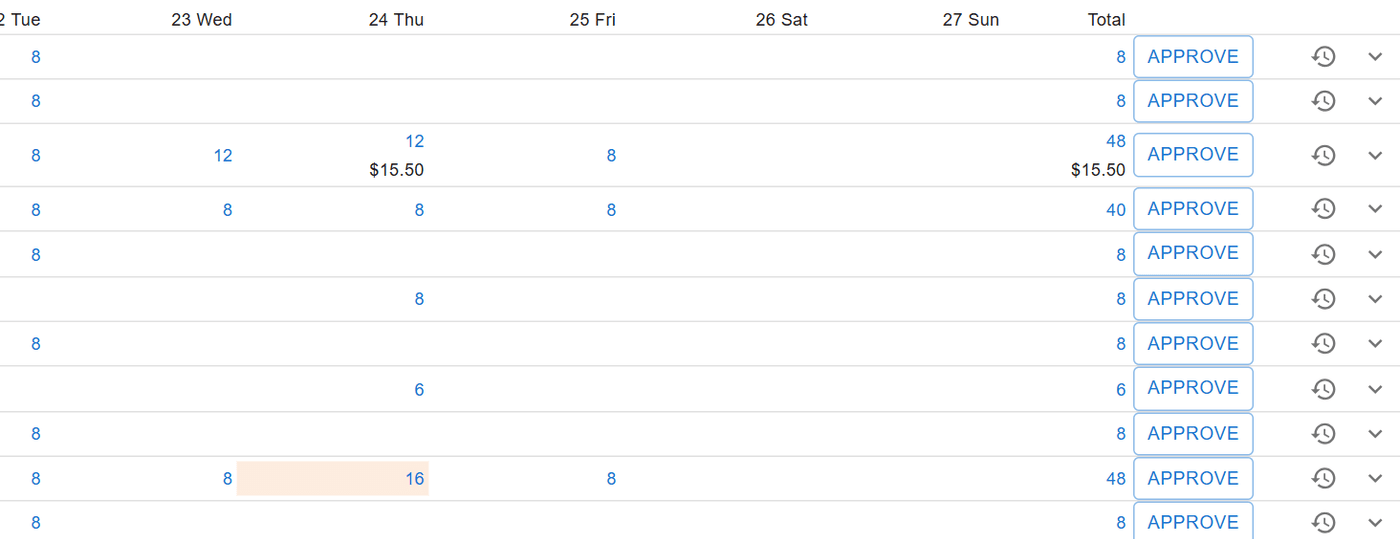
Time and payrollApprove and lock the pay week
The office approves each person's week once. The locked week goes to payroll as the file your provider reads.
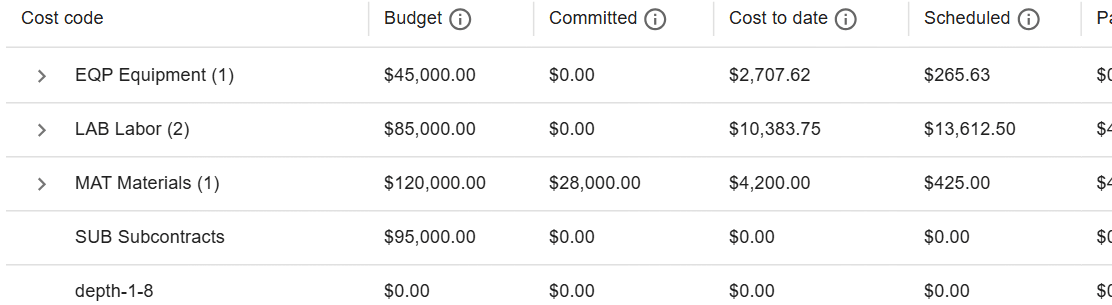
Approving timeJob cost, live
Budget, cost to date, cost to complete and projected final by cost code, so an overrun shows while there is still time to act.
Job costWant to see it with your own jobs?
A 20-minute call, then a demo on your jobs, people and equipment.
Book a demo