

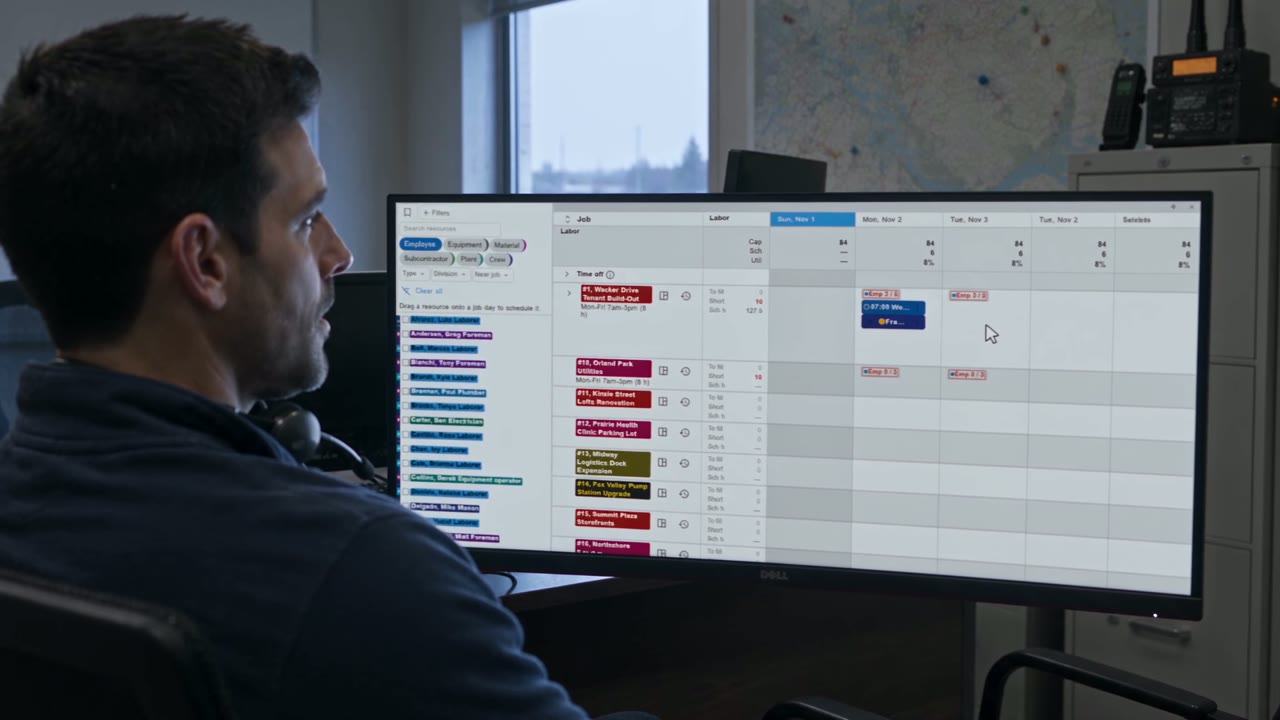
This fall the first companies moved from ControlBoard 1.0 to ControlBoard 2.0: the board they knew, carried on to the field, to approved hours and the payroll file, and to job cost. The move is included at no charge. Here is what the season added on top of the launch, in the order a scheduler meets it.
The schedule
- A calendar view. The month at a glance, each booking a bar in its crew’s colour, with the same Show choices as the boards. Bars select, move and stretch like board chips, and the calendar exports, prints in colour or goes to the field by message.
- Undo on every schedule screen. Your own recent changes come back with one control, on every board and the calendar, and the screen tells you what it took back.
- New from where you are. Make a job or a resource from any schedule screen, and go straight to it.
- Labels your way. Every chip, row and list reads a display name you can set per record type: the job number and name, the crew and the hours, the material and its quantity. Try a template on your own records before you keep it.
- The map keeps up. A busy map groups its pins into numbered circles and draws only what is in view; choose all open jobs or only what is scheduled today.
- Filters that say what they narrow. Division and resource type chips on every board and the resources tray, and owned or rented on the equipment lists.
Send anything
- Send… and Download as PDF on every grid and chart. A schedule, a pay week, a job cost report or a chart goes out as a message with the file attached, in the screen’s own colours.
- The dispatch sheet. Daily dispatch sends its day as Excel or PDF, the same way.
- Saved grids. A question the assistant answered with a grid can be kept, and reopens with the question and its filter in words.
The field and the pay week
- One Time tab on the phone. Each person’s hours for the day in one place; a foreman keeps his own day apart from the crew sheet he fills for everyone else.
- Copy row on the office week. A week that repeats is copied, not retyped, and the copy sits under its source.
- Home tells you what is due. The Equipment rentals tile shows what is on rent and what is due or overdue, and New equipment and New employee open the form directly.
Forms
- A filing is its PDF. Every completed form, permit or tailboard opens as the PDF it prints, from the job and from the results list.
- Forms travel. Tick forms and export them as a bundle; import a bundle with a preview that says what is new, what is a copy and what would be overwritten, so one company’s safety forms set up the next.
Subsidiaries and divisions
- A subsidiary with its own lists. Job types, cost codes and the other catalogs can be kept per subsidiary, and a subsidiary’s administrator sees only its own settings.
- Divisions on people. Users carry their divisions, and what they see on the boards and the map follows.
- More about each machine. A description on every resource, and capacity and licence plate on equipment, with a grade filter on the board.
Your data and your systems
- Import settings per record type. For each connected system and each kind of record: bring in new records, keep existing ones in step, or only bring in what is missing.
- An agent for on-premise systems. Sage 100 Contractor and other systems behind your firewall feed ControlBoard through a small read-only agent on your own server, on a schedule you set.
Help when you need it
- Help for this screen. The help opens on the article for the screen you are on, with a full index and links between articles.
- Ask from inside the app. Support requests and feedback are sent from the Help menu, with a screenshot, and My requests shows their status. When something you asked for ships, What’s new tells you.
Every change is documented in Help inside ControlBoard, and the Answers pages carry the short version of each. For the whole of 2.0, start at What’s new in ControlBoard 2.0.