
Plan, Execute, Learn, Improve
Most construction companies are good at getting work done. They win jobs, they build things, they move on. What separates the best contractors from the rest isn’t execution — it’s everything around execution. The planning that sets a job up for success. The data captured while the work is happening. And the discipline to feed that data back into the next job, and the one after that.
This is the loop that great construction companies run. And it is the loop that the right software stack makes possible.
The Loop
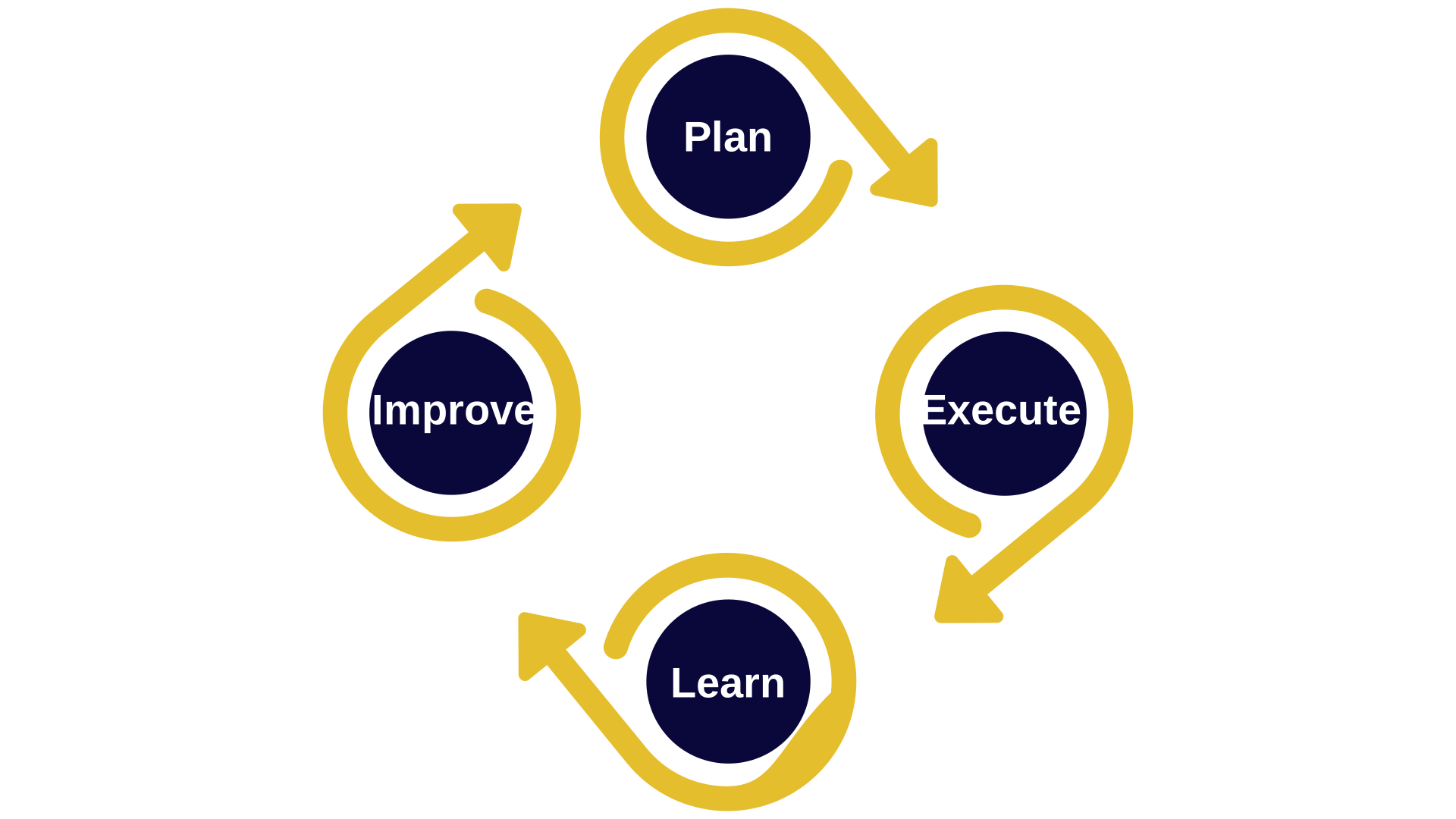
The framework is simple. Four phases, each feeding the next.
Plan. Allocate your resources before the job starts. Know what crews, equipment, and materials you need — and when — before the first truck rolls.
Execute. Dispatch your resources efficiently. Keep the field informed in real time. Capture what actually happens.
Learn. Compare what you planned against what actually happened. Hours, equipment usage, costs. Job by job.
Improve. Use that comparison to bid more accurately, plan more tightly, and run the next job better than the last.
It sounds obvious. Most contractors will nod along reading it. But here’s what’s also true: most construction companies run the Execute phase reasonably well, and the other three loosely or not at all. They win a job, they get it done, and they move on — without ever closing the loop. The next bid is made from memory and instinct. The next schedule is built from scratch. The same expensive mistakes get made twice.
That’s not a failure of effort. It’s a failure of infrastructure. The loop doesn’t close by itself. You need a system that runs it.
Plan
Planning in construction means two things: understanding what a job requires, and knowing whether you have the resources to deliver it.
Project management software like Procore handles the first part — what the job requires. Drawings, submittals, contracts, milestones. Estimating software handles the financial picture — what it should cost.
But there’s a planning layer that sits between winning the job and building it that most software stacks handle poorly: resource planning. Do you have the crews available for the start date you just committed to? Is your equipment already committed elsewhere? If you win two more jobs this quarter, do you have the labor capacity to staff them?
This is where ControlBoard reaches into the planning layer directly. Long-range placeholder allocations let you plan months ahead using generic resources — a crew, a crew type, a piece of equipment — before you’ve confirmed exactly which people and machines will fill those slots. You can see your forward resource picture, identify pinch points before they become crises, and make commitments to owners with confidence rather than hope.
When jobs are won and details are confirmed, ControlBoard pulls them in automatically from your project management and ERP systems — Procore, Sage, Viewpoint, Foundation, and others. No manual entry. The plan stays current because the data flows.
Execute
Execution is where most construction software investment goes, and for good reason — it’s where the daily pain is. Crews at the wrong location. Equipment sitting idle. Dispatchers fielding thirty calls before 7am.
ControlBoard is built for this. The daily schedule is a drag-and-drop board — visual, fast, and shared. Schedulers see every resource across every active job simultaneously. Conflicts are flagged automatically. Moving a crew from one job to another takes seconds. When rain shuts down a site, you can shift an entire day’s allocations forward in a single operation rather than moving them one by one.
Dispatch flows directly from the schedule. Crews receive their assignments via SMS — job location, start time, directions, attachments — without a phone tree. Updates reach the field instantly. Two-way messaging means the field can respond, confirm, and report back through the same channel.
Time tracking lives inside ControlBoard as well. Geo-fenced punch-in and punch-out ties attendance directly to the schedule — clock-ins are location-stamped automatically, and timesheets are pre-populated from the schedule rather than filled in from memory at the end of the day. If your employees are on a job, the system already knows it.
This is the detail that matters most for the next phase: because timekeeping lives inside the scheduling system, the data required for learning is captured automatically, as a byproduct of running the day. Nothing extra to fill out. No reconciliation. No chasing paper timesheets.
Learn
Learning requires data. Specifically, it requires two sets of data sitting next to each other: what you planned, and what actually happened.
Most construction companies have pieces of this. They have estimates. They have timesheets, somewhere. They have equipment records, more or less. What they almost never have is all of it in one place, connected, comparable, and current. The planned hours are in one system. The actual hours are in another. Reconciling them is a manual project that someone has to make time for — and that someone usually doesn’t.
ControlBoard closes this gap. Because planning and execution both live in the same system, the comparison between planned and actual is always there. Scheduled hours versus clocked hours. Allocated equipment versus actual utilization. Forecasted resource costs versus real spend. You can see it by job, by crew, by resource type, by date range.
This data flows outward as well. ControlBoard’s GraphQL API and SQL data warehouse option let you push operational data into your accounting software, your ERP, your BI tools — whatever you use to understand how the business is performing. Planned vs. actual feeds directly into job costing in Sage or Viewpoint. Foremen don’t have to export anything. The numbers just arrive.
The result is that learning stops being a project and starts being a habit. Every job closes with a complete record of how it actually ran.
Improve
Improvement is what the loop is for. And it’s compounding — every job you close with good data makes the next estimate a little sharper, the next schedule a little tighter, the next bid a little more confident.
The practical payoff shows up in a few places:
Better estimates. When you know that your paving crew runs at 92% of estimated hours on highway jobs but 78% on commercial sites, you stop bidding commercial work at the same rate. That’s a real number you can act on.
Tighter resource planning. When you can see that your excavator sits idle on Fridays more often than not, you can schedule around it, sublease it, or factor that cost differently. Visibility changes decisions.
Faster growth. The constraint on growth for most construction companies isn’t appetite — it’s confidence. Confidence that you can staff the next job, that you can hit the margin you projected, that adding capacity won’t create chaos. A closed loop gives you that confidence because it replaces instinct with evidence.
Stronger integrations. As the loop matures, the integrations become more valuable. Job data flowing from Procore into ControlBoard at the start of a project. Actual hours flowing from ControlBoard into Sage at the end. Equipment utilization feeding into fleet decisions. Each connection removes a manual step and tightens the feedback between phases.
Why Most Stacks Don’t Close the Loop
The honest answer is that most construction software is built to solve one problem well. Procore solves document control. Sage solves accounting. HeavyBid solves estimating. Each of them is excellent in its category.
What none of them do well — and what most stacks leave as a gap — is the connective tissue between planning and execution. The daily operational layer where resources are scheduled, dispatched, and tracked. And because that layer is missing or weak, the data that flows from execution into learning is incomplete, late, or unreliable. The loop never closes.
ControlBoard was built to be that connective tissue. It reaches into the planning layer with long-range resource forecasting. It runs the execution layer with scheduling, dispatch, and time tracking. And because both live in the same system, the learning layer gets populated automatically.
The integrations connect it all to your broader stack — pulling jobs in from project management and ERP, pushing actuals out to accounting and payroll. No manual reconciliation. No data re-entry. Just a loop that runs.
Ready to see it in practice?