

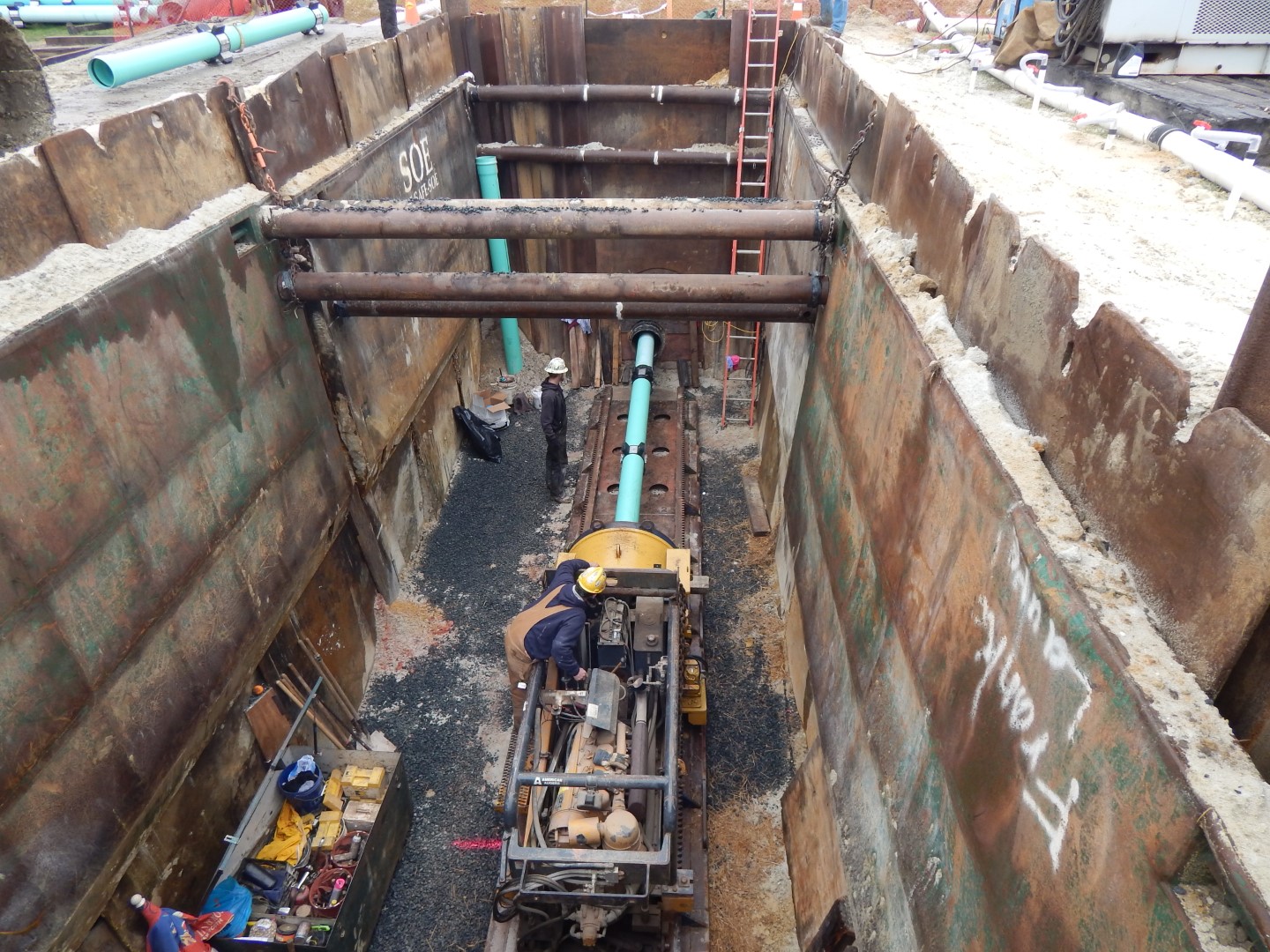
Utilities
Utility crews, rigs and cards on one board
Sound familiar?
Twenty crews in three counties, and the board is a phone tree.
A crew shows up and the one person with the card is on another job.
The tailboard was signed on paper, and the paper is in a truck.
Hours come in on Monday from texts, photos and memory.
A day on ControlBoard
The day, from the yard to the pay week
6:00 AM
Every crew knows its job
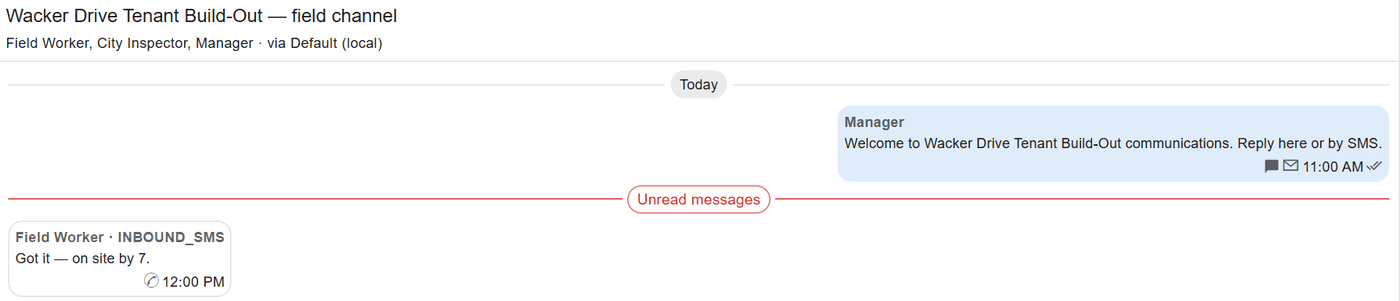
Each crew gets its job, start time and directions on the phone or by text. A change at 6:15 reaches the same people the same way, and replies land in the job’s thread.
7:00 AM
Tailboard before the work
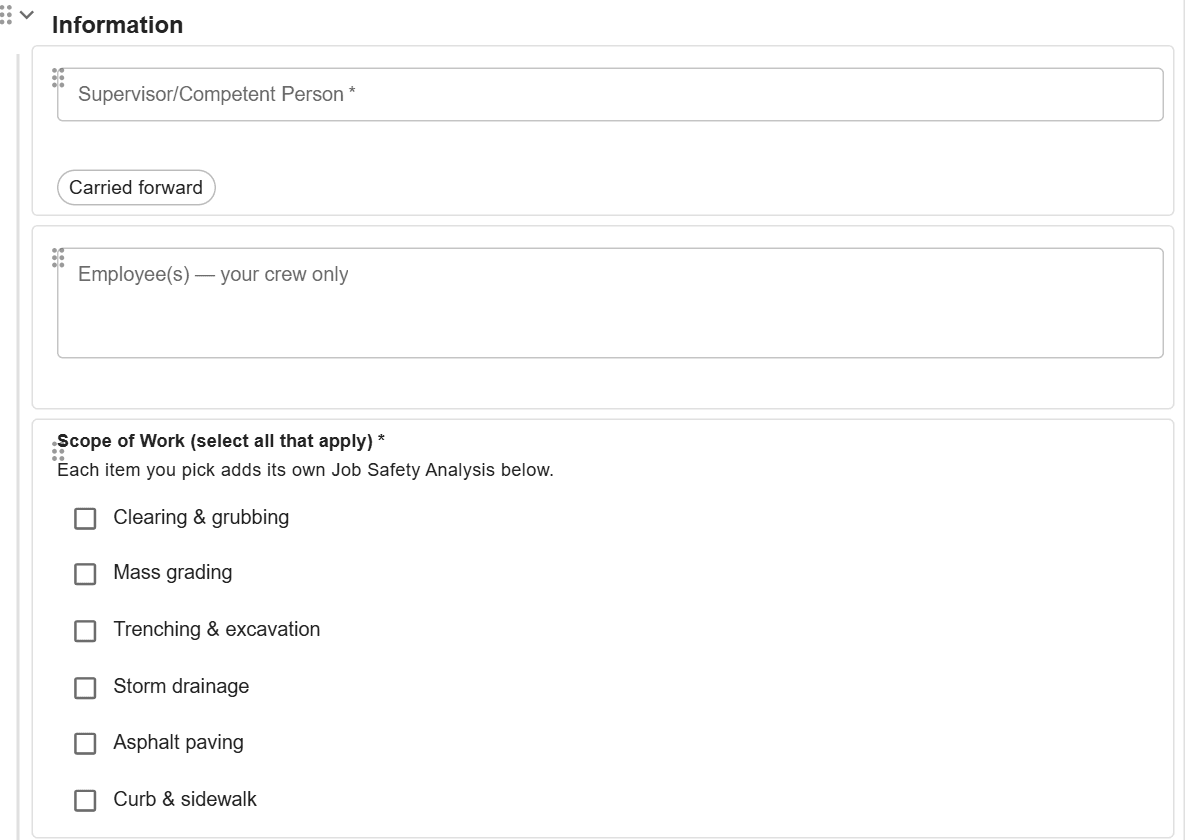
The foreman fills the day’s tailboard or permit on the phone, picking tasks, hazards and controls from the company’s library fresh each time. It files on the job as answers or a signed PDF.
Noon
Cards and compliance
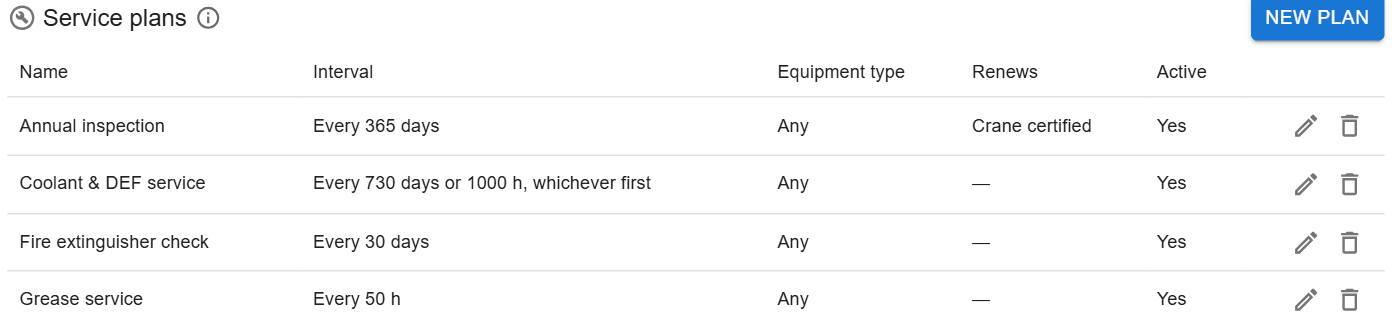
With the Equipment and compliance module, the office sees licences and certificates about to lapse and jobs where someone scheduled lacks a card the job needs, ranked by what needs action first.
Friday
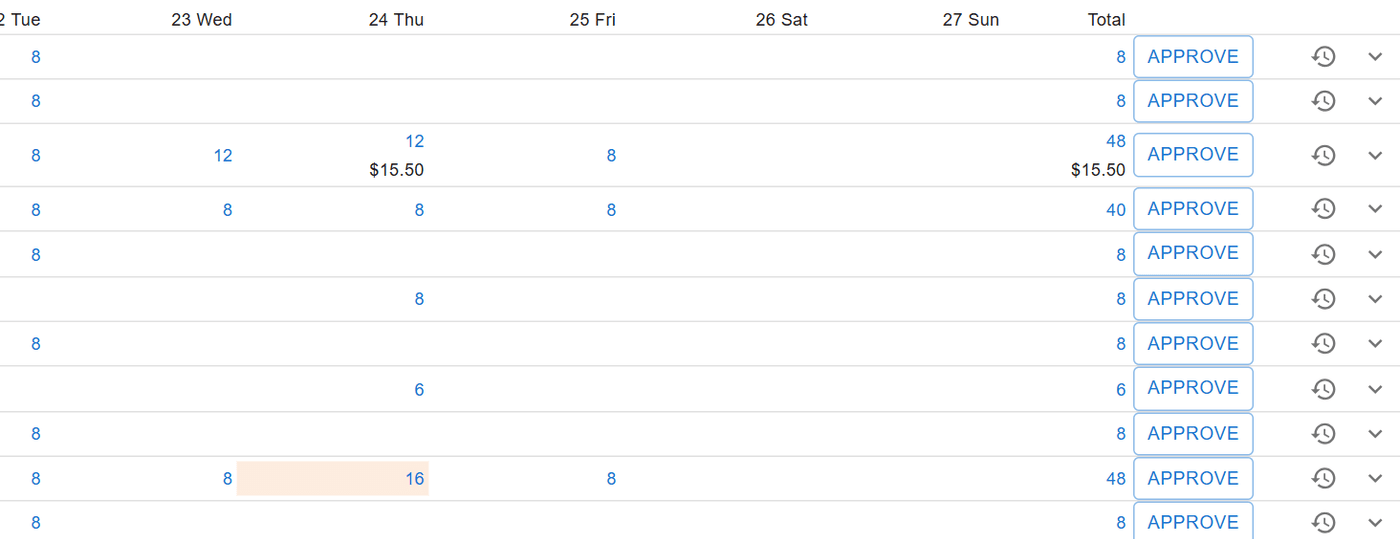
Time the office can trust
Punches carry their location and a reason when they are away from the job. The office reviews them, approves each week and sends the payroll file, without retyping a single hour.
Utilities on ControlBoard®
| Price | Published, per person, from $4 a month |
|---|---|
| Safety | Tailboards, JSAs and permits filled on the phone and filed on the job |
| Time | Punch with location rules, typed hours or the foreman’s crew sheet; weekly approval; payroll file |
| What goes on the board | Crews, rigs, trucks, equipment, subcontractors and material |
| Who it is for | Underground, gas, water, power and telecom utility contractors |
The parts you will use
- Scheduling: Labor, crews, equipment, subcontractors and material on one board, against each job's needs.
- Dispatch and the field: The schedule to every phone by text, email or app, replies on the job's thread, trips and moves.
- Time and payroll: Punch or type hours, the foreman's crew sheet, the office week, approve and lock, the payroll file.
- Forms and daily logs: Your own forms and permits, the hazard library, and a daily log for every job-day.
- Equipment and compliance: Licenses and certifications, service plans, GPS, rentals with return due, and the tool crib.
- Labor planning: Forecast hours and heads per job, the company labor plan, plan health and the booklet.
“My ControlBoard Experience”
Ease of use, thoughtful features, great value. You can tell a lot of effort is put in to make the product great.
Capterra review, 10/28/2025