

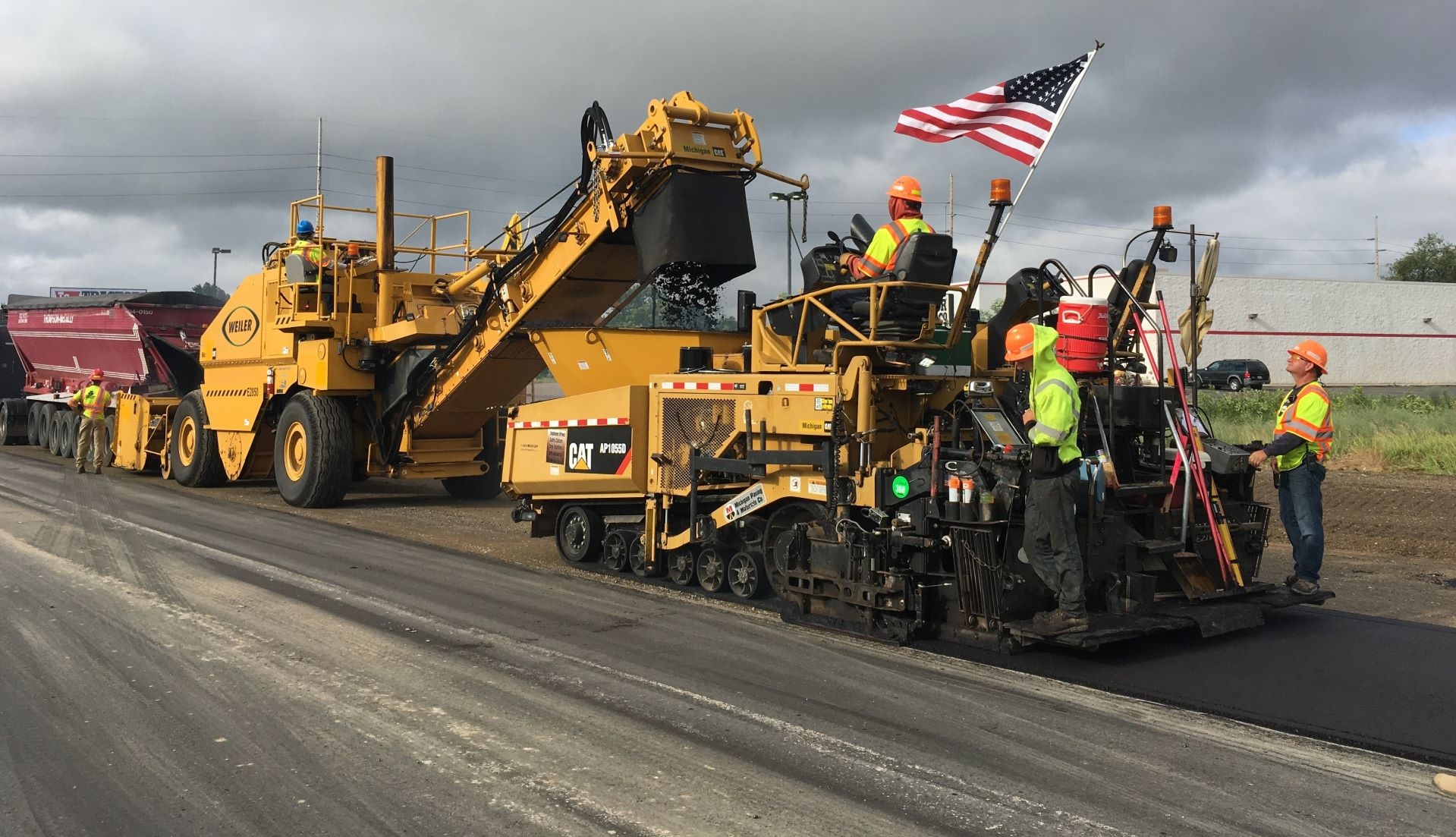
Paving and asphalt
Paving crews, plants and trucks on one board
Sound familiar?
The plant opens at six and the crew still does not know which job they are on.
Rain moves three jobs and every truck has to be called again.
The paver is promised to two foremen for the same night shift.
Nobody can say how many tons of each mix went down this week.
A day on ControlBoard
The day, from the yard to the pay week
5:00 AM
Crews, pavers and trucks go out
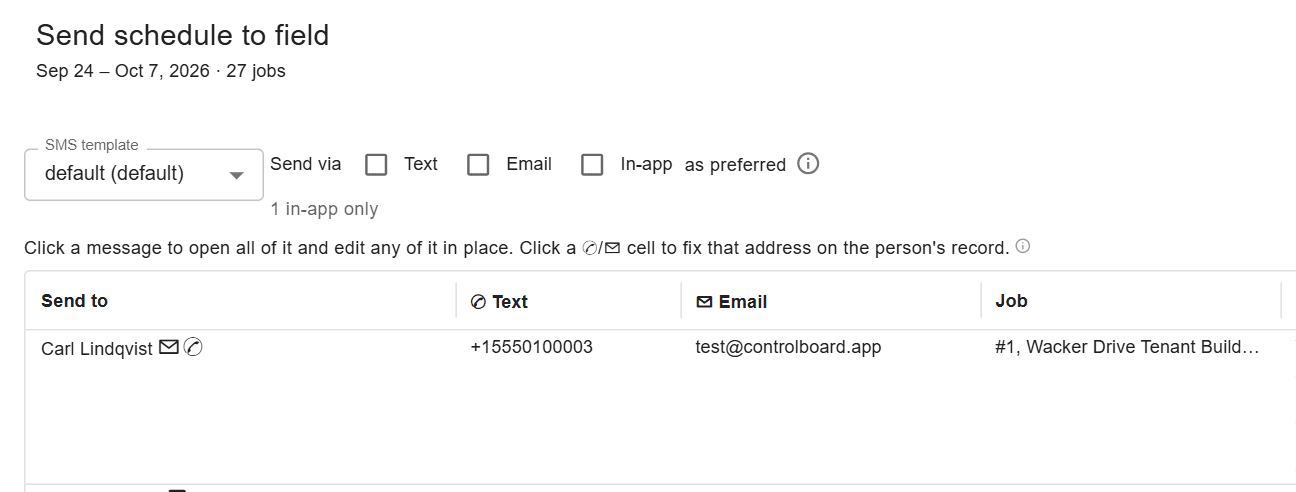
The scheduler sends each crew its job, start time and directions, and the paver and rollers are already on the board beside them. A rain change goes out to everyone at once, with replies filed in the job’s thread.
6:30 AM
Plant to job
Trips carry material from the plant to the job, each move with a quantity, a unit and a deadline. Equipment moves between jobs ride the same plan, so the lowboy and the trucks are never guessed.

2:00 PM
Tons and hours, recorded
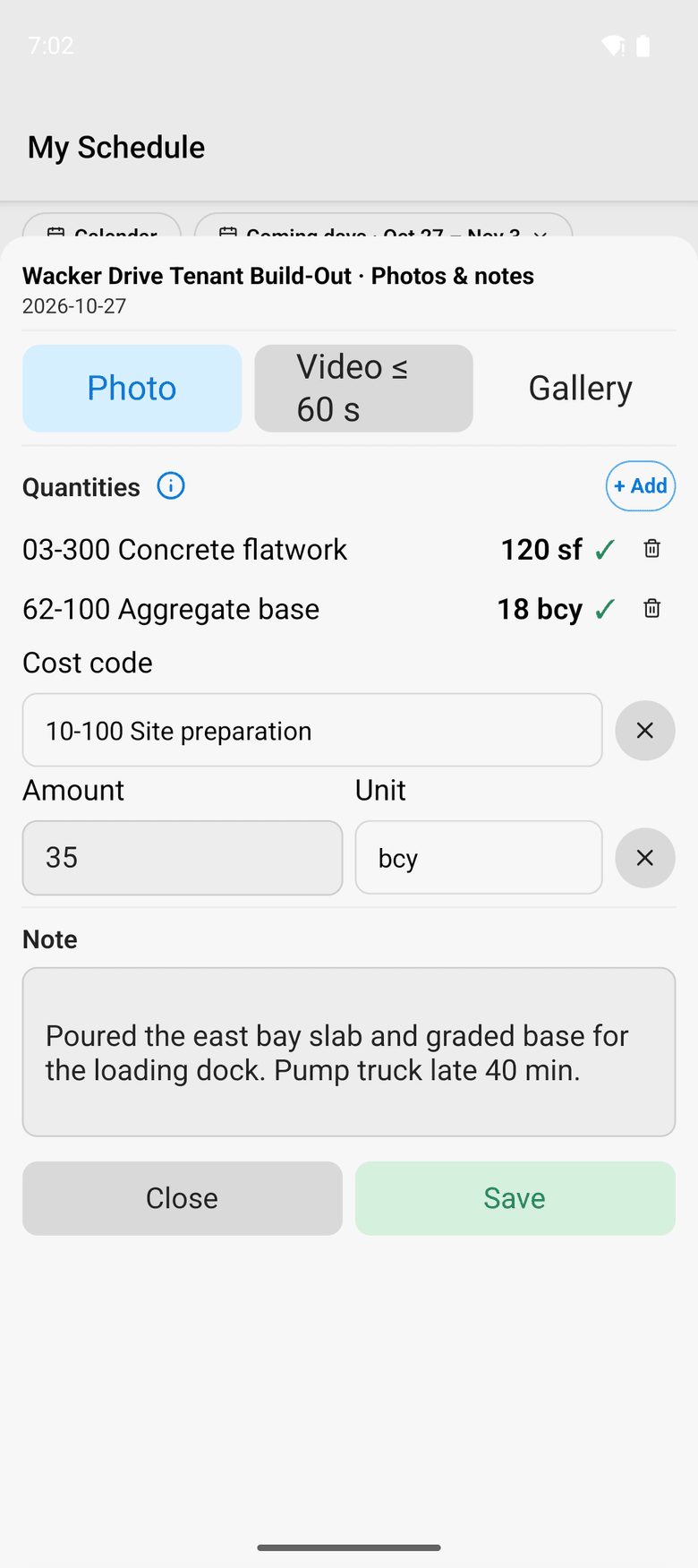
The foreman keeps the crew’s hours on the phone and adds the day’s quantities, delays, weather and photos to the daily log. With no signal, the day waits on the phone and goes later.
Friday
The week closes, the job cost is live
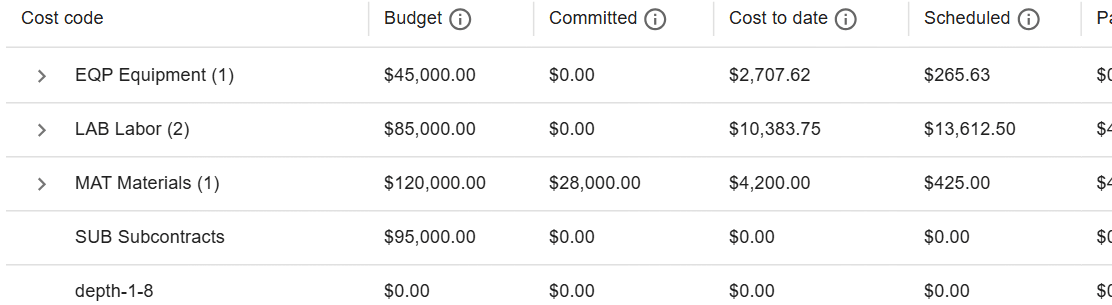
Each person’s week is approved and locked for payroll. Job cost reads every mix as its own type at its own price per ton, so the cost report splits asphalt and stone by mix.
Paving and asphalt on ControlBoard®
| Field | ControlBoard Field: schedule, directions, crew sheet, daily log with quantities and photos |
|---|---|
| Material | Each mix is its own type with a price per ton; moves carry a quantity and unit |
| Price | Published, per person, from $4 a month |
| What goes on the board | Crews, pavers, rollers, trucks, plants, material and subcontractors |
| Who it is for | Asphalt paving, milling, sealcoating and pavement maintenance contractors |
The parts you will use
- Scheduling: Labor, crews, equipment, subcontractors and material on one board, against each job's needs.
- Dispatch and the field: The schedule to every phone by text, email or app, replies on the job's thread, trips and moves.
- Time and payroll: Punch or type hours, the foreman's crew sheet, the office week, approve and lock, the payroll file.
- Forms and daily logs: Your own forms and permits, the hazard library, and a daily log for every job-day.
- Job cost: Budget, cost to date, committed, scheduled, cost to complete and projected final, by cost code.
- Equipment and compliance: Licenses and certifications, service plans, GPS, rentals with return due, and the tool crib.
“Tracking and Scheduling Jobs and Employees with ControlBoard”
Overall the experience with ControlBoard has been great. We get excellent support when needed and it meets all of our scheduling needs. ControlBoard made it easy to import jobs from Sage 100 Contractor and assign employees to work on those jobs.
 Chris M, VPO'Leary Asphalt Inc.
Capterra review, 03/07/2022